Analyze and report using SCM
Use the Analytics area in Subscription Commerce Manager (SCM) to monitor performance, investigate changes, and create reports without exporting data to a separate reporting tool.
The available views cover subscription, multi-item, payment, renewal, cancellation, and campaign performance. You can refine results with filters and comparison tools, save frequently used views, and build custom reports with Report Builder.
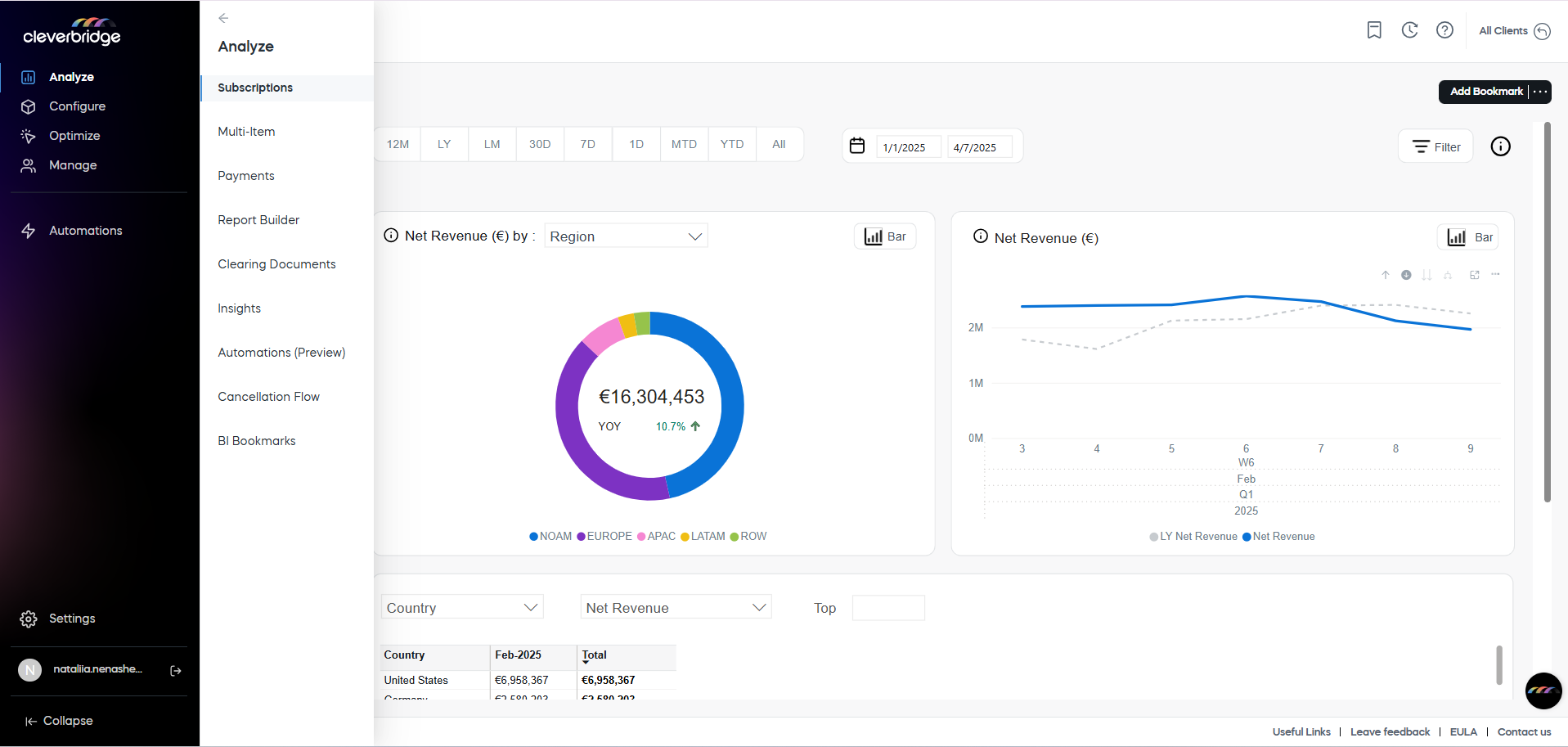
In SCM, go to Analytics, and then choose the area that matches your task:
- Analytics dashboards for predefined business, subscription, payment, renewal, cancellation, and campaign views.
- Report Builder for custom reports based on compatible metrics and dimensions.
- Analytics tools for filters, sorting, comparisons, and saved reports.
Explore this section
Analytics dashboards
Explore the guides and reference information available for Analytics dashboards.
Report Builder
Report Builder is a self-service reporting tool designed to give you quick access to creating reports using specific dimensions, metrics, and filters.
Analytics tools
Explore the guides and reference information available for Analytics tools.