Integration Hub
Cleverbridge Integration Hub is a managed integration service for exchanging data and automating workflows between Cleverbridge and external business systems.
Integration Hub is currently managed by Cleverbridge. You can review integrations and their configuration, but Cleverbridge must set up or change them. To request an integration or a configuration change, contact Client Experience.
Access Integration Hub
In SCM, select Configure > Integration Hub, or open Integration Hub in SCM.
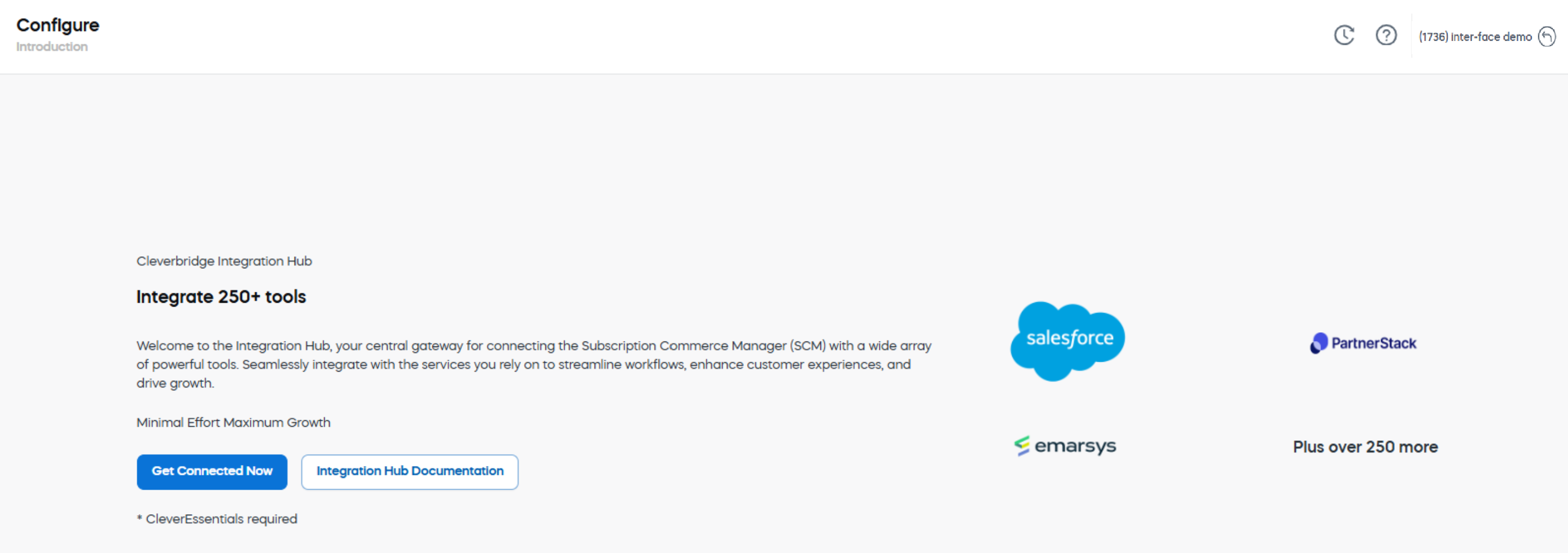
If your account is not connected to Integration Hub, SCM displays an introduction page instead of the Integration Hub workspace.
About Integration Hub
Integration Hub provides a managed alternative to building every connection directly against an API. It can synchronize data, trigger actions across applications, and support repeatable operational workflows.
Integration Hub is powered by Workato, a secure, data-driven automation platform. Cleverbridge manages the implementation and maintains the Cleverbridge Connector for Workato. For general information about the underlying platform, see the Workato documentation.
Advantages
- Interoperability: Connect business applications through reusable connectors and automated workflows.
- Extensibility: Use pre-built connectors, REST-based connections, and APIs to support additional systems and custom use cases.
- Reduced maintenance: Let Cleverbridge manage the Integration Hub implementation and maintain the Cleverbridge Connector for Workato.
- Scalability: Extend integrations as your systems, workflows, and business requirements evolve.
Terminology
- Recipe: An automated workflow with a trigger and one or more actions. When active, a recipe monitors for trigger events and performs the configured actions.
- Connection: A secure, authenticated link to a business application.
- Project: A repository for integration assets, including recipes, connections, and subfolders. A project can be organized by use case, department, application, or process.
Cleverbridge Connector for Workato
The Cleverbridge Connector is the Workato component that makes Cleverbridge operations available to automated workflows. Integration Hub uses this connector as part of the managed service.
If your organization already uses Workato independently, you can also use the connector in your own Workato workflows. The API-based connector presents Cleverbridge endpoints in user-friendly terms and supports data exchange and process automation with external applications.
Authentication uses HTTP Basic Authentication.
The connector provides the following benefits:
- Ease of use: Technical endpoints are presented as actions that technical and non-technical teams can use.
- Low maintenance: Cleverbridge monitors API changes and updates the connector.
- Comprehensive capabilities: The connector exposes a range of Cleverbridge API operations for standard and custom workflows.
Integration Hub sections
After your account is connected, use the Integration Hub menu to review your implementation:
Explore this section
Dashboard
In SCM, select Configure > Integration Hub > Dashboard.
Integrations
In SCM, select Configure > Integration Hub > Integrations.
Properties
In SCM, select Configure > Integration Hub > Properties.
Lookup Tables
In SCM, select Configure > Integration Hub > Lookup Tables.