Contacting Customer Support
Overview
Cleverbridge provides support options for your customers when they cannot find the answer they need in the Cleverbridge Customer Help Center.
For questions related to the Cleverbridge order process, customers can submit a request to Cleverbridge Customer Support. For product-specific or installation-related questions, customers are directed to the support resources provided by the company whose product they purchased.
Contact Cleverbridge Customer Support
Customers can select Contact Support in the upper-right corner of the Customer Help Center.
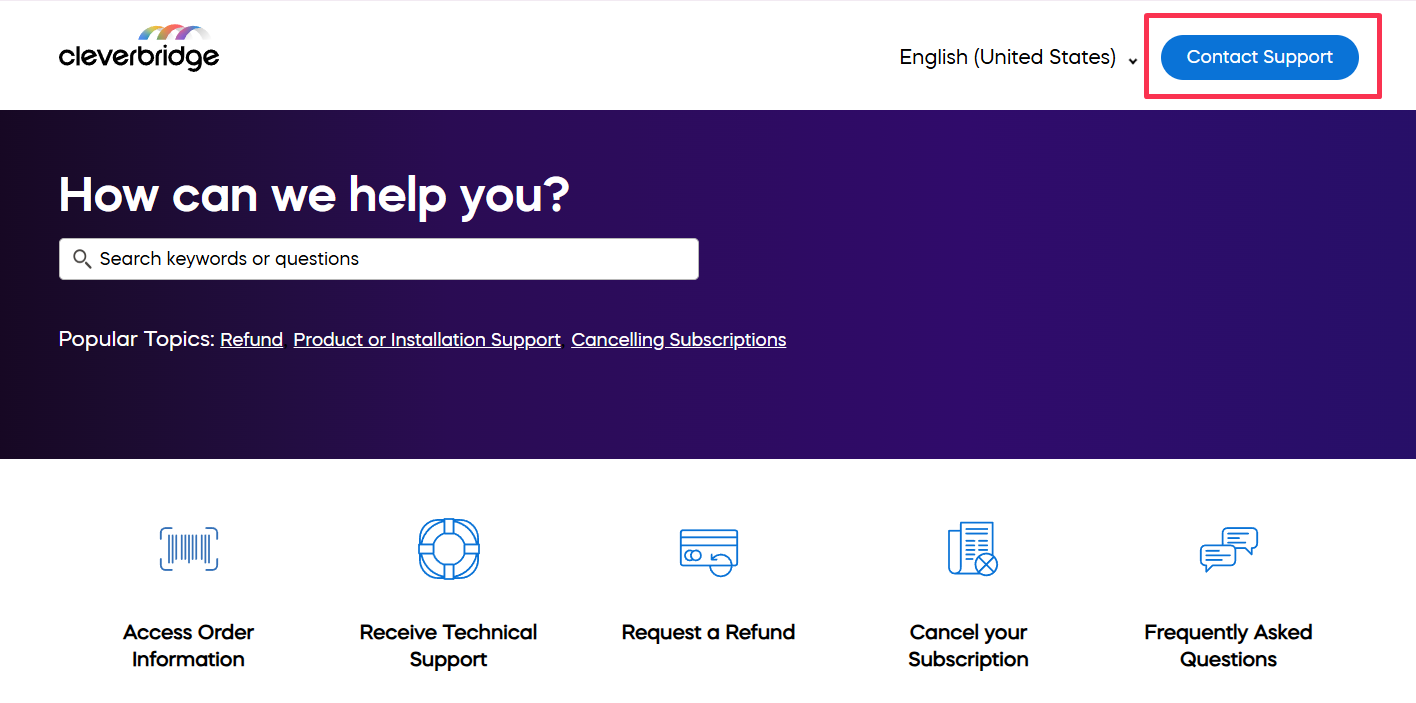
The Contact Support button opens the support request form.
Support request form fields
After the request is submitted, Cleverbridge Customer Support reviews and processes it. If needed, the request is routed to the appropriate specialist team.
Contact technical support
For product-specific questions, customers can select Receive Technical Support on the Customer Help Center homepage.
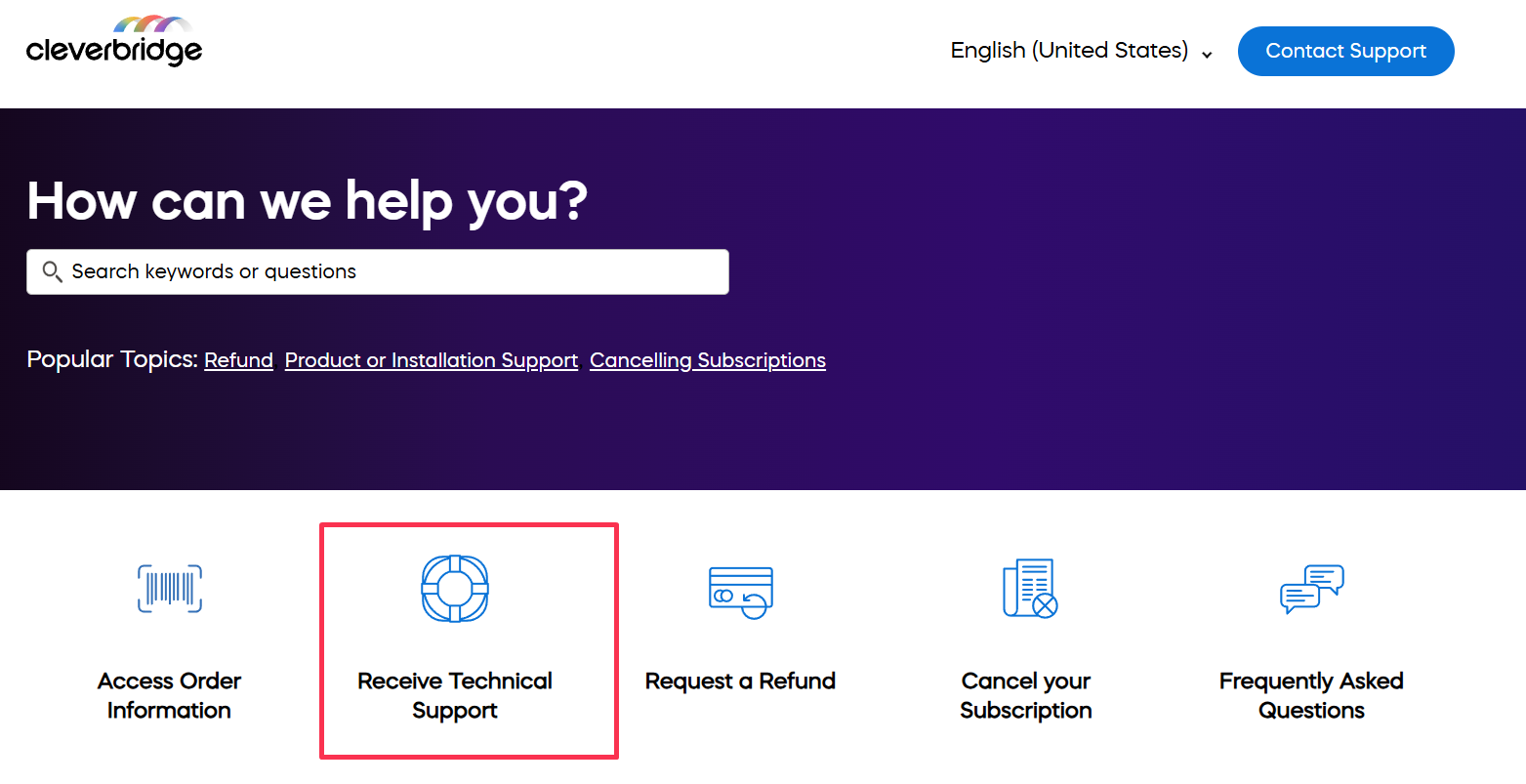
The technical support page helps customers find the correct support contact for the product they purchased. Customers can use this option when they need help with topics such as installing the product, product features, compatibility, error messages or troubleshooting, upgrade eligibility, login problems or password issues, and other questions related to the product itself.
Customers enter the name of the company they ordered from, and the page displays the available support contact for your company. This way, your customers can reach the right product support channel faster.
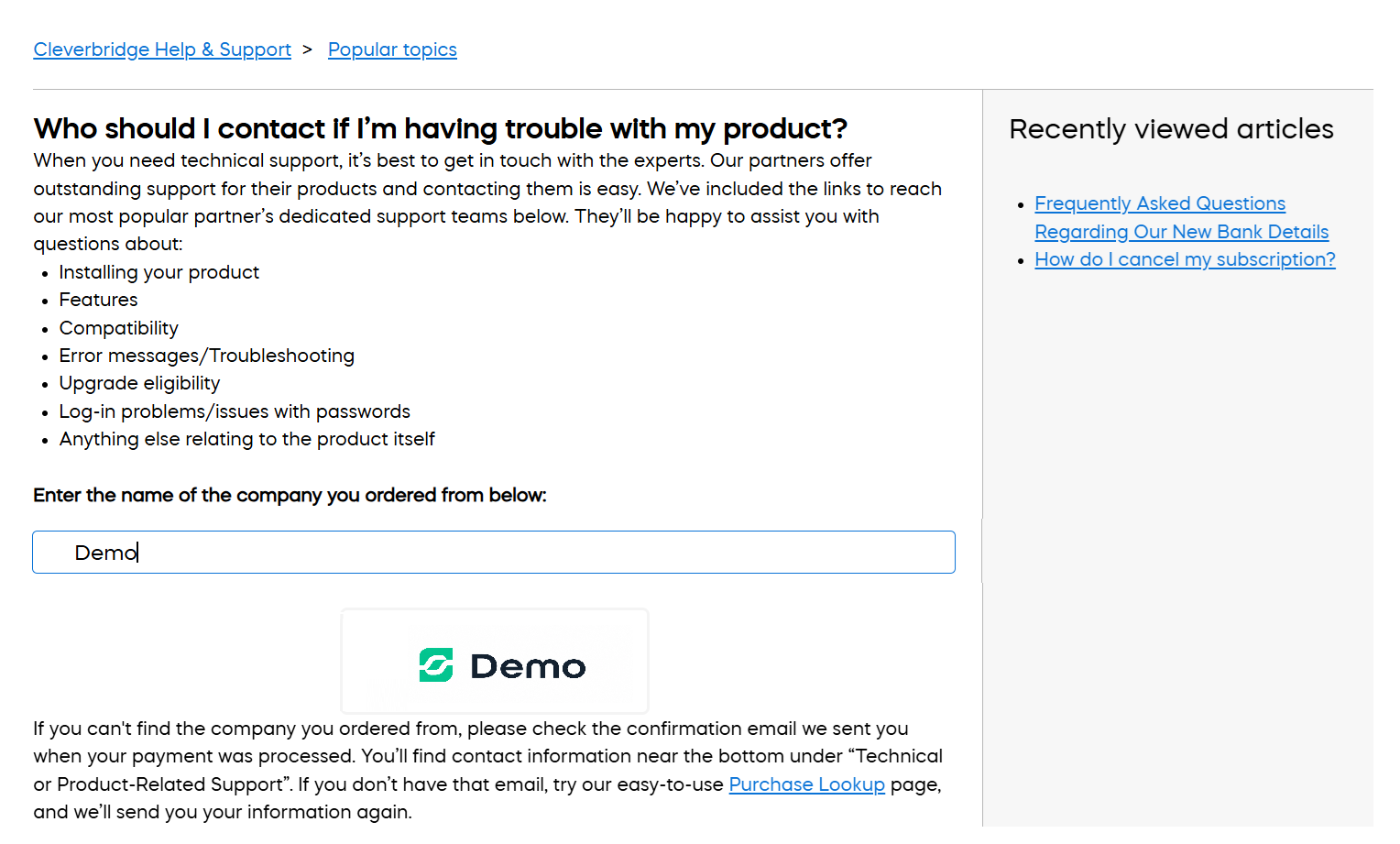
If customers cannot find the company they ordered from, they can check contact information under Technical or Product-Related Support in the order confirmation email from Cleverbridge. They can also use purchase lookup to have their order information sent again.