Change regional settings
Set the session locale to control how numbers, currency, times, and dates are displayed.
-
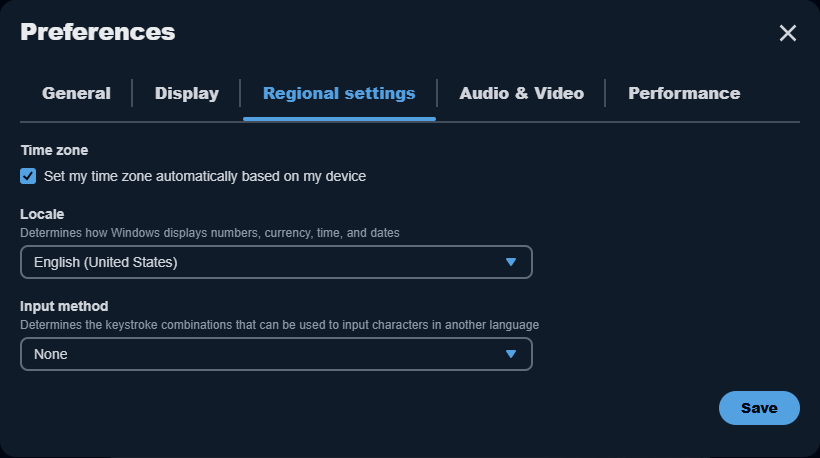
Select Preferences > Regional settings in the session toolbar.
-
Under Locale, choose the appropriate locale, such as German (Germany).
-
Select Save.
-
Check date formats, decimal separators, and column alignment with a fresh sample.
Check the formatting after changing the locale. For structured reports, use Export and download files instead of copying spreadsheet data through the clipboard.
These settings apply to the Amazon WorkSpaces Applications session used by CA and BI. To change CA's interface language or edit translated fields, see Languages.