Get purchase details
Overview
Cleverbridge provides Purchase Lookup as a self-service option for your customers. It lets customers quickly retrieve order information for products they purchased through Cleverbridge, such as license keys, activation codes, software keys, or download links.
This is particularly useful if they:
- Cannot find their license key, activation code, or software key.
- Need the download link for a purchased product.
- Want to receive an overview of orders associated with their purchase email address.
By giving customers direct access to this information, Purchase Lookup helps reduce routine support requests, speed up post-purchase issue resolution, and create a smoother self-service experience.
Access Purchase Lookup
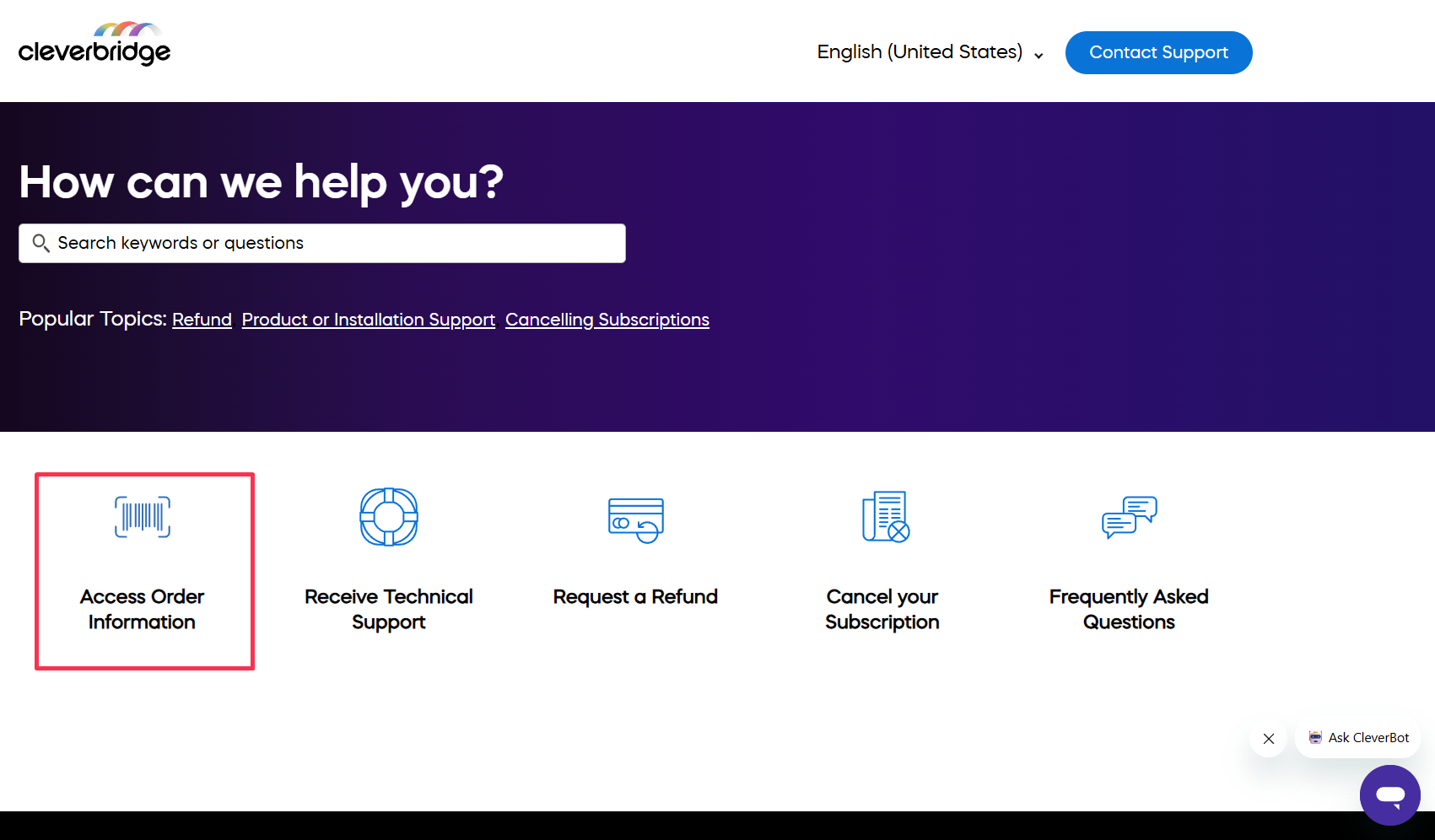
Customers can access Purchase Lookup by selecting Access Order Information in the Cleverbridge Customer Help Center or by opening the Access order information page directly.
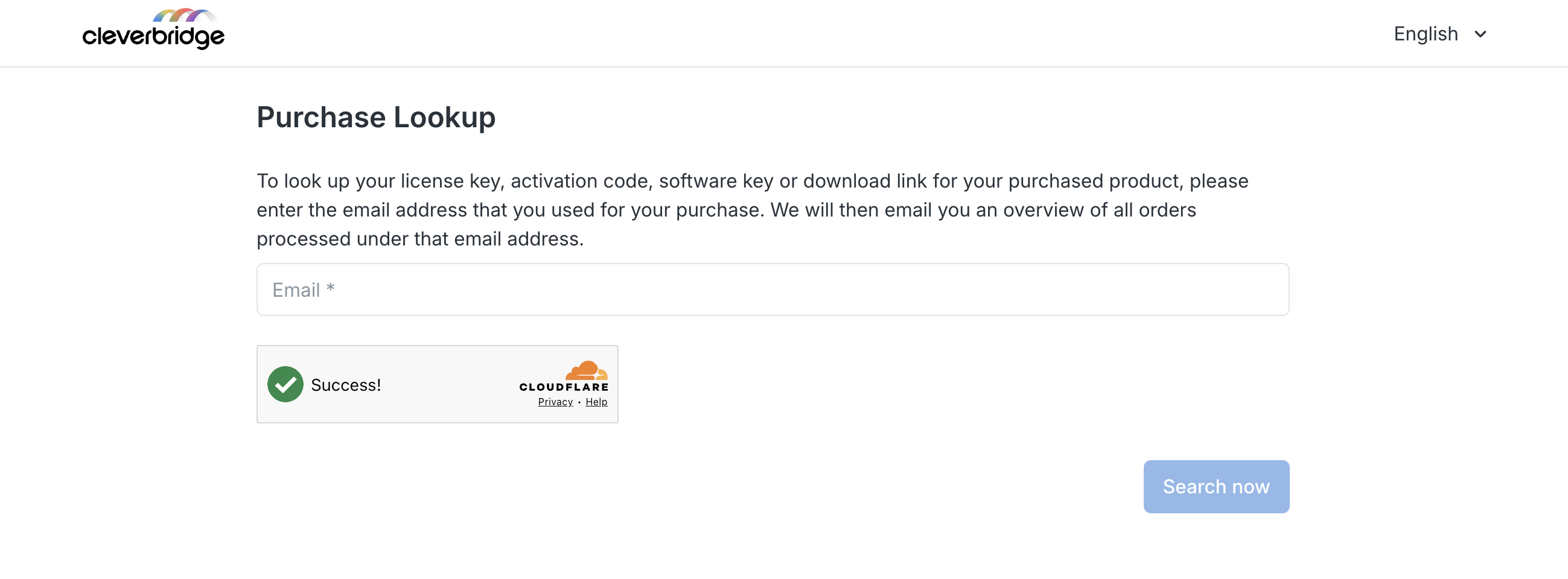
To use Purchase Lookup, customers enter the email address they used for their purchase. Cleverbridge then emails an overview of all orders processed under that email address.
If customers need further assistance with their order or another Cleverbridge-related question, they can contact Cleverbridge support.