Configure Avalara AvaTax
Overview
For the cSP model, Cleverbridge supports connecting SCM to Avalara AvaTax, an end-to-end tax compliance solution that can assist with collecting, filing, and remitting sales tax for US customers.
Important
After you successfully complete the onboarding process, you can access the AvaTax Account settings in SCM.
Connect SCM to Avalara AvaTax
To connect your AvaTax account in SCM:
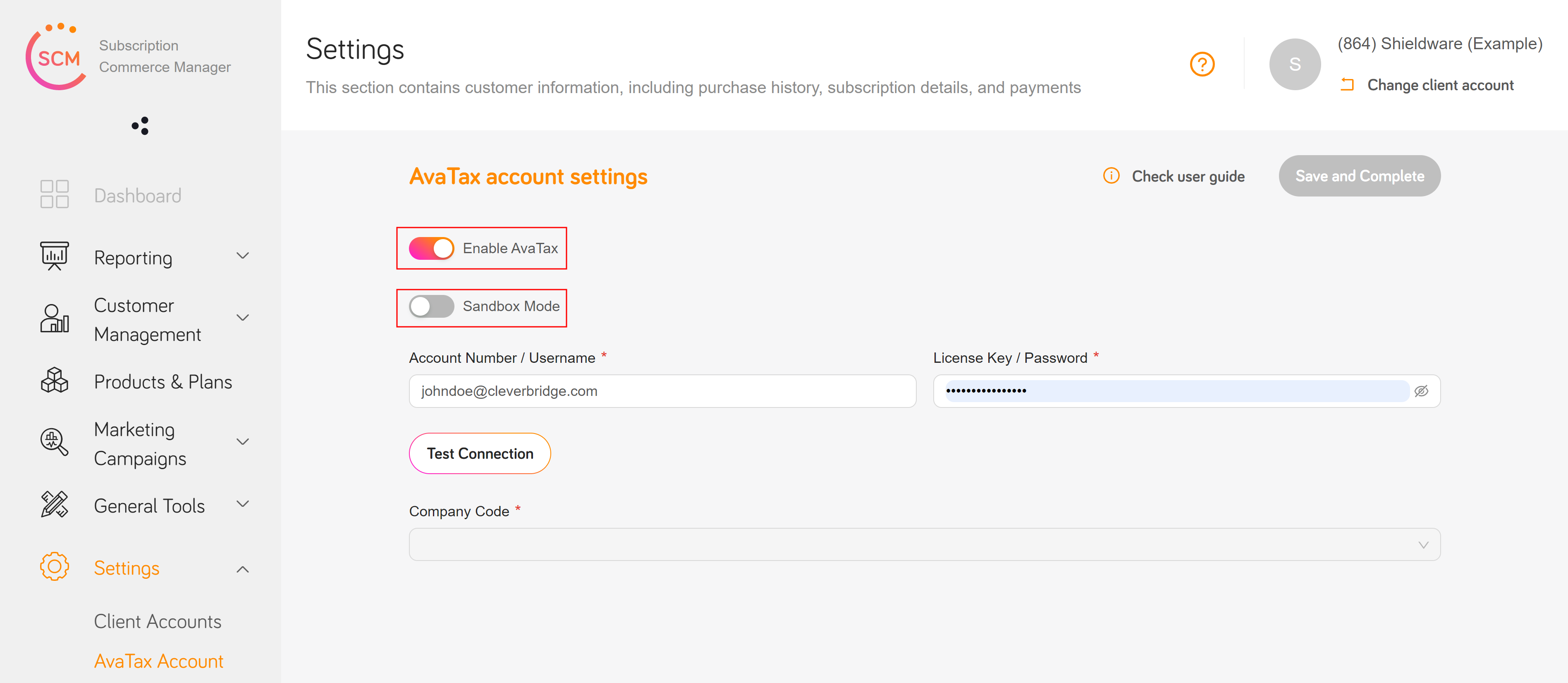
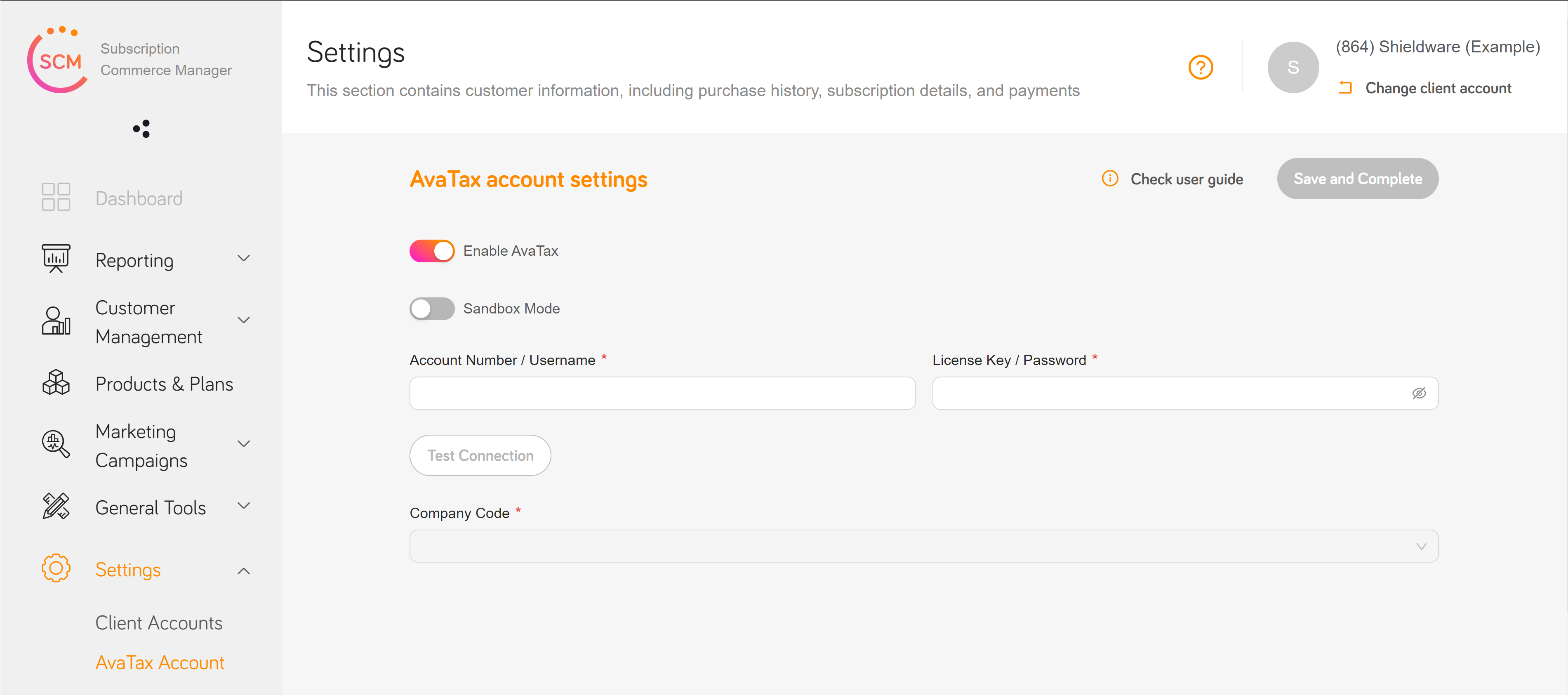
- Go to Settings and select AvaTax Account.
- Enter your Account Number/Username and Software License Key/Password. These credentials are provided during your AvaTax account activation.
- Select Test Connection to verify the connection.
- After the connection succeeds, enter your Company Code.
- Select Save and complete.
Configure calculation and testing
- To deactivate tax calculation, clear the Enable AvaTax checkbox.
- To test securely within your AvaTax account, select the Sandbox Mode checkbox.