Account reconciliation
Checkout can help clients associate a purchase with an existing customer account. Contact Client Experience to enable these options for Checkout 2.0. Checkout 1.0 implementations are available through Professional Services.
Lock prefilled customer data
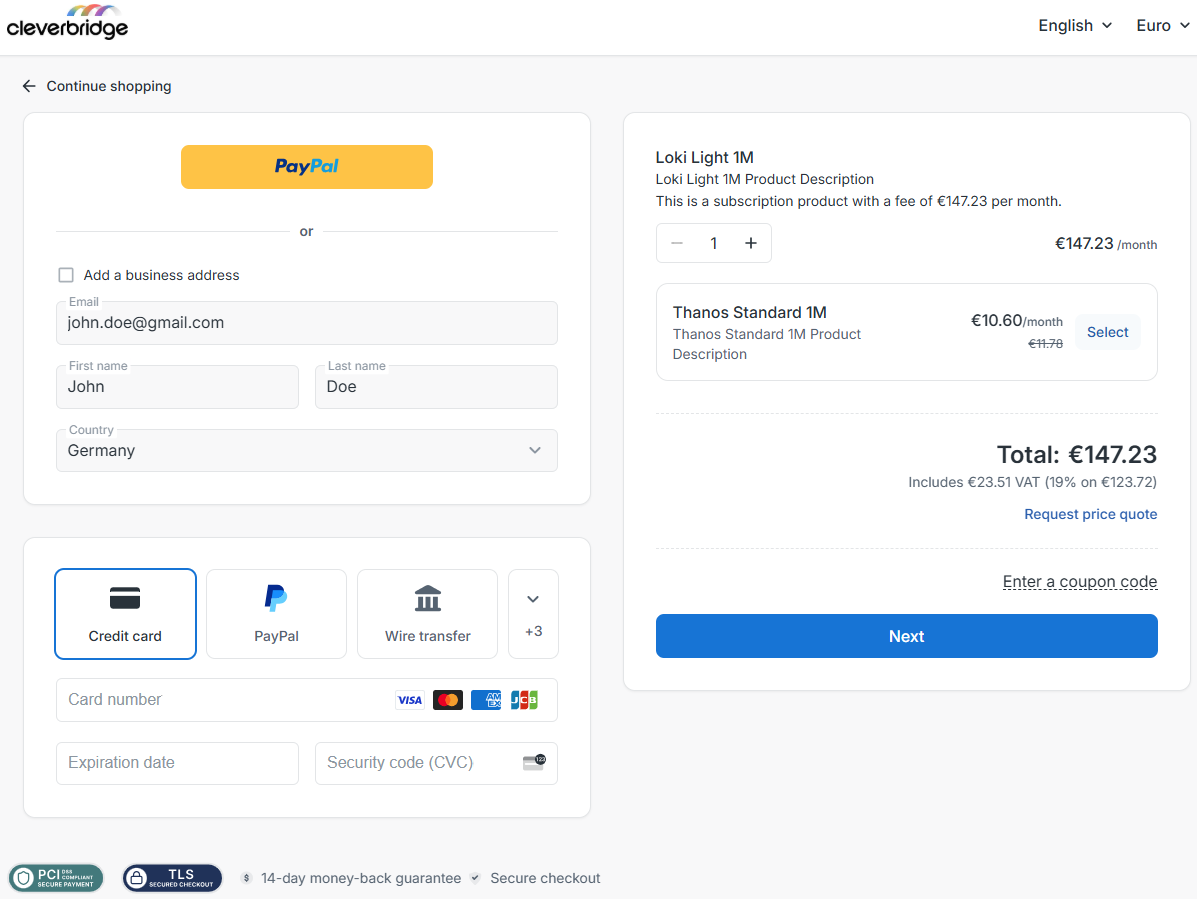
Clients can pass customer details, such as an email address, name, or address, into Checkout 2.0 and configure valid prefilled values to be read-only. This helps ensure that the purchase uses the same contact information as the customer's account on the client's system. Invalid prefilled values remain editable so the customer can correct them.
Check whether an email belongs to an existing account
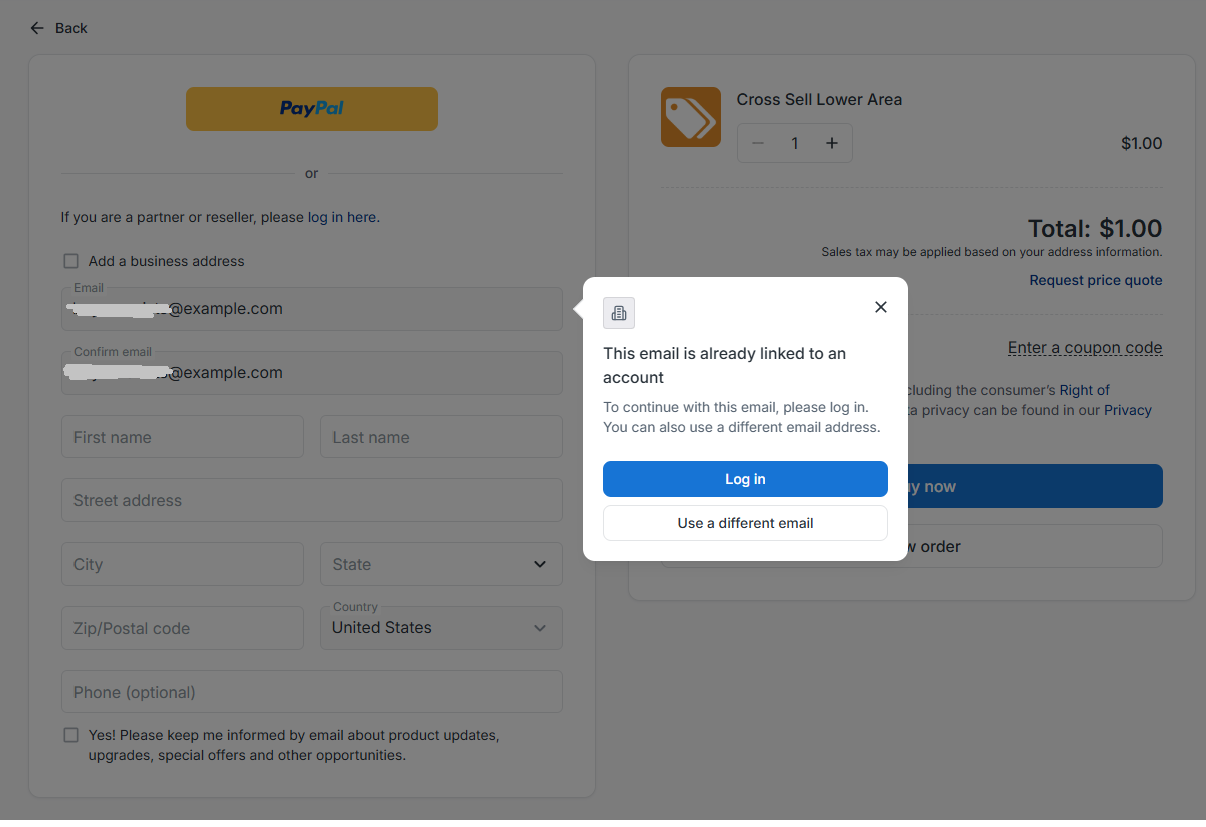
When enabled, Checkout 2.0 can validate an email address with the client's system during checkout. If the email is already associated with an account, the customer is prompted to log in or use a different email address. This can help clients direct returning customers to their account and reduce duplicate subscriptions or repeated free-trial registrations.
For account validation to work, the client must provide an integration endpoint and login destination. Contact Client Experience to discuss setup.
If the integration does not respond within 10 seconds, the customer can continue checkout.